
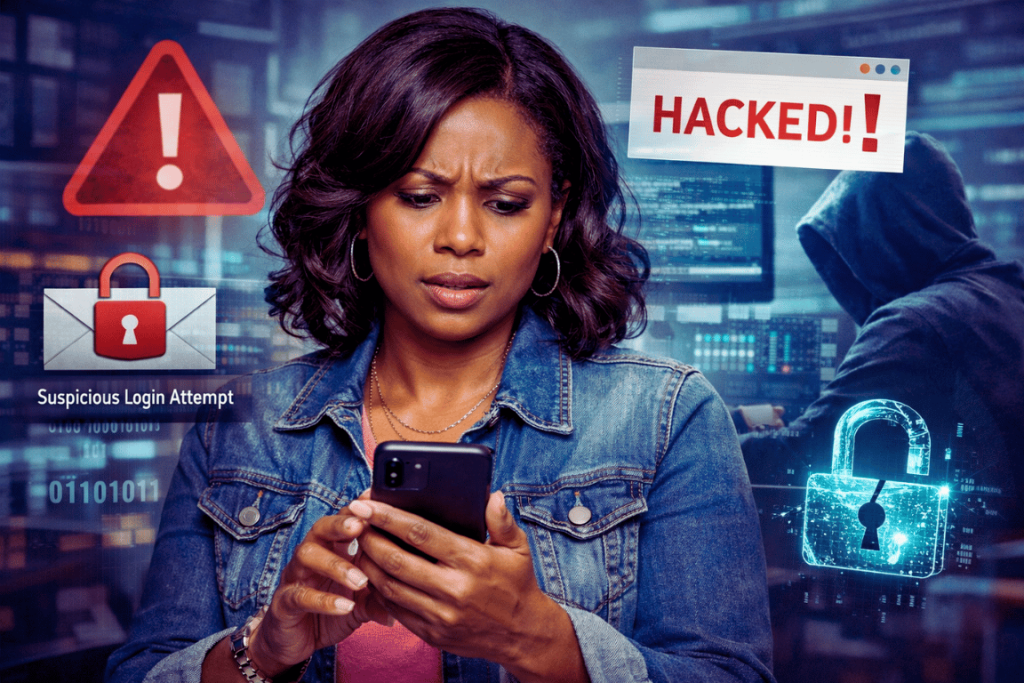
A few days ago, I noticed something alarming—my Facebook Messenger was sending messages by itself…
This issue where Messenger sends messages on its own, sending out random product ads—messages I never sent. What made it even more alarming? Some of those messages were going to people who weren’t even on my friends list.
At first, I felt confused… and honestly, a little scared.
Was my account hacked?
Did someone else access my phone?
Was my personal information at risk?
If you’ve ever experienced something similar, I want you to know this: you’re not alone—and it’s fixable.
Let me walk you through what I discovered, what I did, and how you can protect yourself too.
Signs Your Facebook Might Be Compromised
Here are some common red flags I personally experienced (and you should watch out for):
- Messages sent without your knowledge
- Random product ads being shared via Messenger
- Activity involving people outside your friend list
- Multiple repeated incidents
Even one of these is already worth checking.
How I Diagnosed the Problem
IInstead of panicking, I decided to investigate step-by-step.
Here’s what I checked:
1. Login Activity
I reviewed all devices logged into my Facebook account.
This helped me confirm whether:
- There were unfamiliar devices
- Someone else was actively using my account
2. Connected Apps
I checked which apps had access to my Facebook.
Sometimes, old or suspicious apps can:
- Send messages
- Access your account
- Trigger automated actions
3. Message History
I reviewed my sent messages to confirm the pattern.
This helped me understand that:
It was likely automated behavior
The messages were not manually sent
What I Did to Secure My Account
Once I confirmed something wasn’t right, I acted immediately.
Here are the exact steps I took:
✔ Changed My Password
I created a strong, unique password that I’ve never used anywhere else.
✔ Logged Out of All Devices
This instantly removed access from any unknown or old sessions.
✔ Turned On Two-Factor Authentication
This adds an extra layer of protection—so even if someone gets your password, they still can’t log in.
✔ Removed Suspicious Apps
Anything I didn’t recognize or no longer use was removed immediately.
✔ Enabled Login Alerts
Now I get notified whenever a new device tries to access my account.
What I Learned From This Experience
This situation taught me a few important lessons:
- Not all suspicious activity means someone physically accessed your account
- Sometimes it’s caused by links, apps, or old sessions
- Prevention is much easier than recovery
- Regular account checks should be a habit—not a reaction
Most importantly, I learned to stay calm and take action step-by-step.
How You Can Stay Safe Moving Forward
ThHere are simple habits you can start today:
- Avoid clicking suspicious links—even from people you know
- Regularly check your login activity
- Remove unused apps connected to your account
- Use strong, unique passwords
- Turn on two-factor authentication
These small steps can protect you from most common threats.
Quick Security Checklist
- Change your password regularly
- Turn on two-factor authentication
- Review login activity monthly
- Avoid clicking suspicious links
- Remove unused connected apps
Final Thoughts
Here are simple habits you can start today: Experiences like this can feel overwhelming, especially when your personal account starts behaving unexpectedly.
But here’s the truth:
You are not powerless.
With the right knowledge and a few simple steps, you can take control and protect your digital space.
If this has ever happened to you—or if you just want to stay one step ahead—consider this your reminder:
Your online safety matters.
Stay aware. Stay secure. And most importantly, stay calm.
— Mari