
If you’re trying to organize projects without tabs but still feel overwhelmed, you’re not alone.
I didn’t realize how overwhelmed I was… until my browser started slowing down.
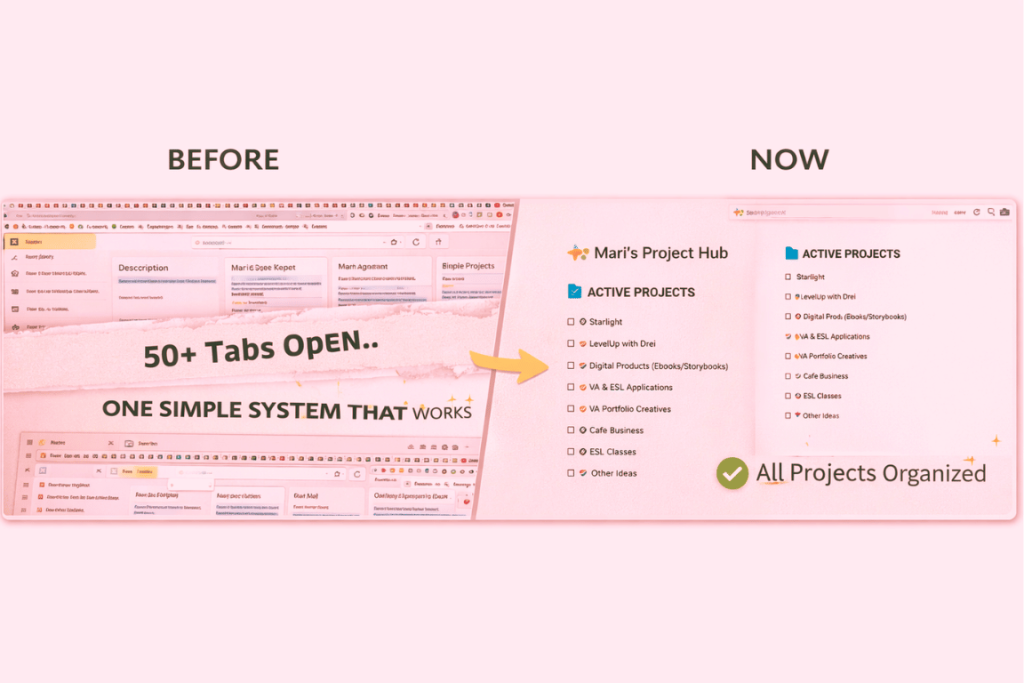
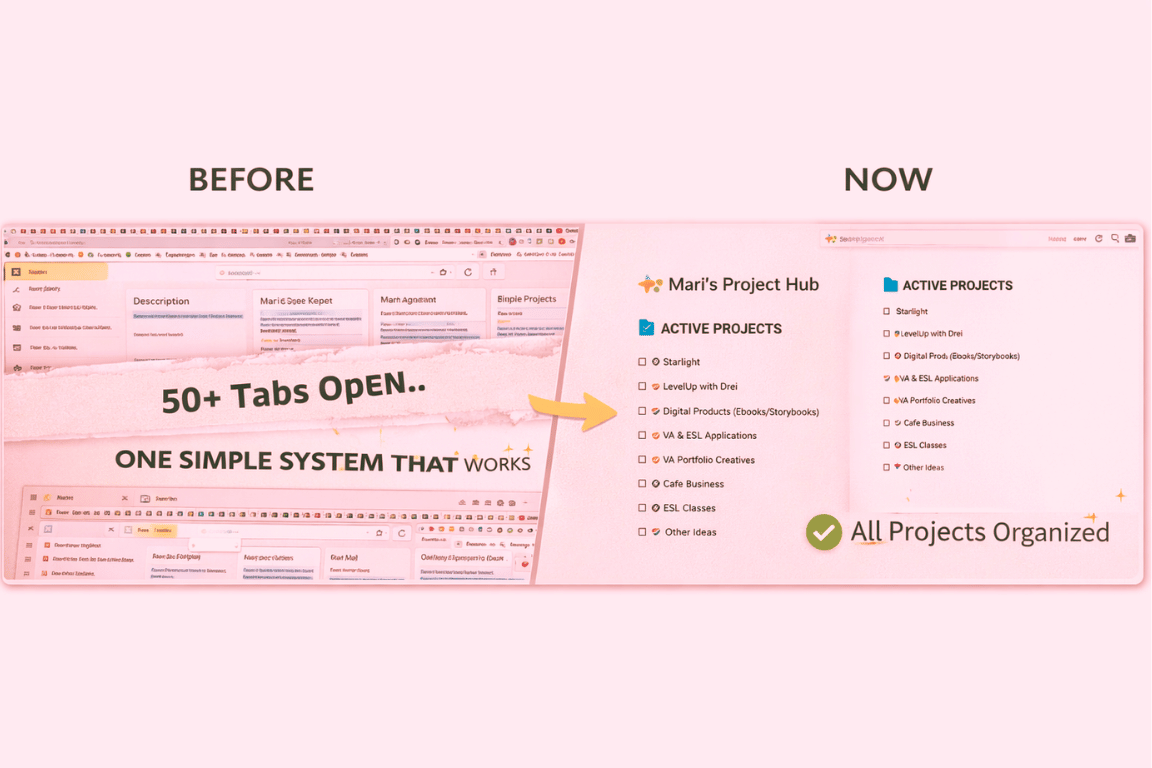
At one point, I had over 50 tabs open—projects, ideas, client work, inspiration, tools—all at the same time.
I kept telling myself:
“I’ll go back to this later.”
But “later” never came.
Instead, I experienced:
- Slower loading times
- Constant distraction
- Mental clutter I couldn’t explain
That’s when I realized something had to change.
The Real Problem Wasn’t My Browser
It wasn’t just about too many tabs.
It was about too many open loops in my mind.
Each tab represented:
- Something unfinished
- Something important I didn’t want to forget
- A decision I was postponing
And the more tabs I kept open, the heavier everything felt.
The Shift That Changed Everything
This one realization changed how I work:
My browser is not my storage. My mind is not my reminder system.
Instead of keeping everything open, I built a simple workflow using:
- Google Keep for quick capture
- Notion for organization
- ChatGPT for processing ideas
Learning how to organize projects without tabs completely changed how I manage my work and ideas.
My Simple 3-Step System
1. Capture (Stop Hoarding Tabs)
Instead of opening more tabs, I now:
- Save links instantly
- Add a short note
- Tag it by project
No pressure. No organizing yet.
Just capture.
2. Organize (Give Everything a Home)
Inside my Notion workspace, I created a simple project hub.
Each project has:
- Goals
- Tasks
- Resources
- Notes
From creative work to business planning, everything now lives in one place.
3. Process (Turn Ideas into Output)
This is where everything comes together.
Instead of just saving ideas, I use them.
I turn them into:
- Blog posts
- Social media content
- Systems
- Future digital products
My Weekly Reset (The Game Changer)
Once a week, I:
- Review everything I captured
- Move important items into projects
- Delete what I don’t need
That’s it.
Simple, but powerful.
What I Stopped Doing
- Keeping tabs “just in case”
- Jumping between too many things at once
- Relying on memory
If you struggle with too many tabs open, your productivity can quickly suffer.
What Changed
- My browser runs faster
- My mind feels lighter
- I know exactly where everything is
And most importantly…
I can finally focus.
Why This System Works
What makes this system effective is its simplicity.
Instead of trying to manage everything at once, it separates the process into three clear steps: capture, organize, and process.
This reduces decision fatigue and allows you to focus on one task at a time.
For freelancers, creators, and online entrepreneurs managing multiple projects, this kind of system creates clarity and consistency.
It’s not about doing more.
It’s about managing better.
Final Thoughts
If you’re overwhelmed with too many tabs open, I understand you.
I’ve been there.
But here’s what I learned:
You don’t need more tabs.
You need a better system.
Start small.
Close a few tabs.
Capture instead of hoard.
Organize when you’re ready.
And watch how everything changes 💜
— Mari